Compare
domain lists
Compare two domain or keyword lists and build logical intersections: what is only in list A, only in list B, or in both?
Free and without an account. You enter your lists here and see the result right in the ELITEDOMAINS tool.
- Free
- No account
- Intersections
- Separate duplicates
Compare
two lists
Differences
at a glance
What domainers use the comparison tool for:
Filter lists
Remove everything from one list that is in the other, for example domains already checked or taken.
Build intersections
Find the entries that appear in both lists, such as keywords you already have domains for.
Merge lists
Combine both lists into one and sort the result alphabetically.
Find dead domains
Compare your portfolio with a list of active domains and find entries you no longer need.
What domainers
compare lists for
Typical questions the comparison tool answers:
Already checked?
Remove everything from a new list that you have already checked or registered.
Match your portfolio
Compare the export of your portfolio with a list and find gaps or duplicates.
More about the portfolio →Merge lists
Combine keyword lists from several sources, sort them and separate duplicates.
How to compare
your lists
Two lists, one click, one result.
Paste list A and list B above, one entry per line.
Decide whether you want to filter, build intersections or combine.
The ELITEDOMAINS comparison tool opens with your lists and shows the result ready to copy.
Clean lists beforehand with clean lists or check the result in the domain search.
Paste your lists
Paste list A and list B above, one entry per line.
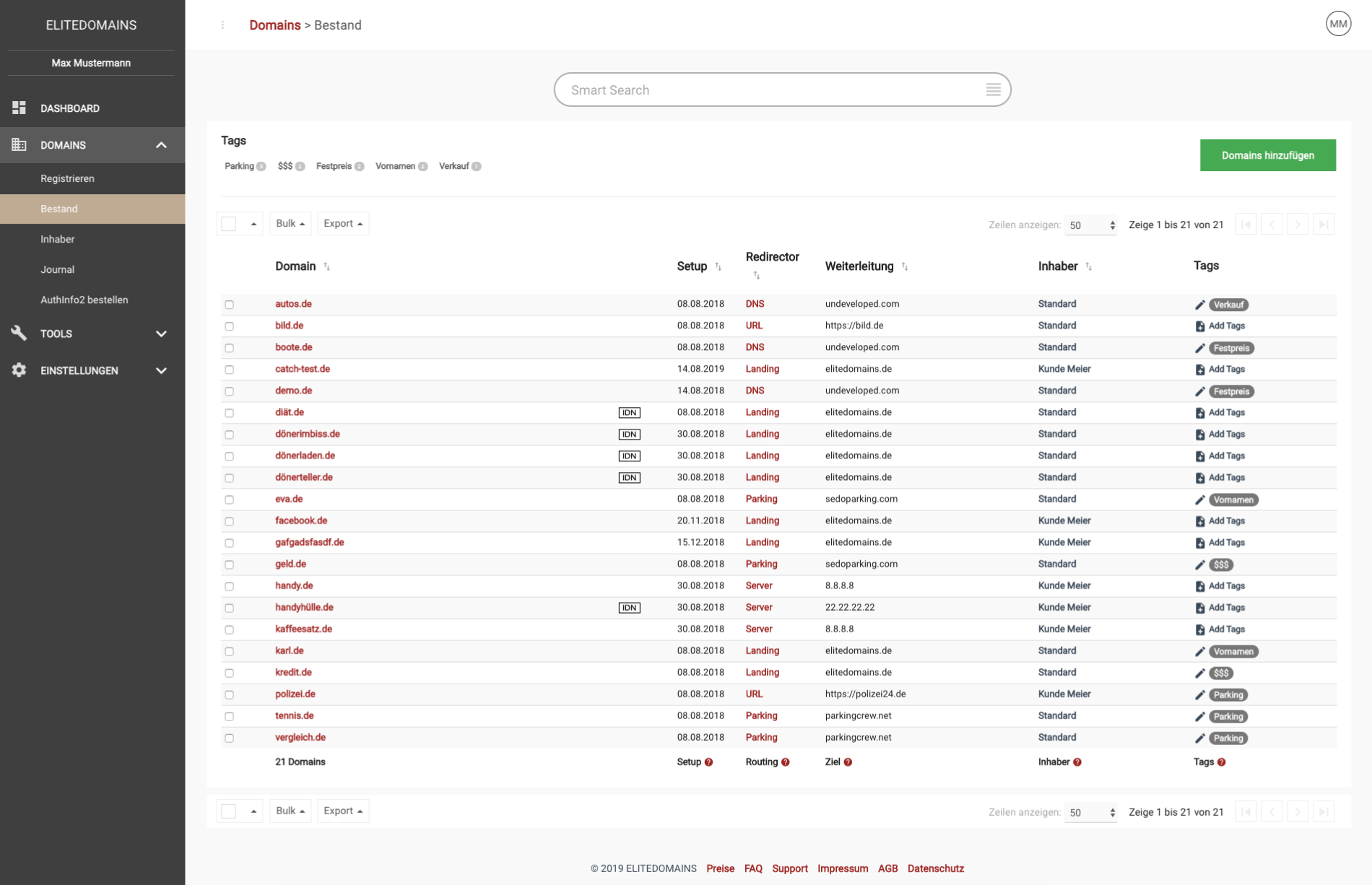
Keep track of your domains
Create an account
Create your free account and manage your domains in one portfolio, with bulk actions and filters.
Free account, no base fee
Frequently asked questions
about comparing lists
What the comparison tool can do.
Any two lists, for example domains or keywords. You see what is only in list A, only in list B or in both, and you can combine both lists.
If you like, duplicate entries are separated instead of deleted, so you see them on their own.
No. The comparison tool is free and you don't need an account.
Each list can be up to 500,000 characters long, one entry per line.
Still have questions?